
Posting a game schedule and selling tickets for it should not take two vendors and a spare afternoon. For many district administrators and finance offices, the current reality is a scattered mix of disjointed athletic pages on one side and a legacy ticketing tool on the other, with staff typing every event into both.
That split dilutes your brand and adds steps for your staff. The fix is not one system that does everything. It's Hometown as one trusted partner behind your website and your ticketing, with one real connection between them: every event you set up for ticketing appears on your website automatically. Your team reclaims lost time, and your community sees one clear front.
What one partner changes for your athletic website platform
Hometown is one partner across multiple solutions, and each one has its own job. For a school or district launching a new athletic or activity website and moving ticket sales online, you want solutions that work together. Engage, our athletic website and mobile app solution, gives your district a school-branded home for athletics, performing arts, clubs, and events. While Box Office, our ticketing and event management solution, allows you to sell tickets, manage schedules, and track event revenue. Families see one coherent program rather than four separate ones, and your brand stops depending on which page they happened to find.
Cutting down the vendor list
Many districts struggle with vendor bloat, where separate contracts govern websites, ticket sales, and team communications. The numbers end up in systems that don't talk to each other, and calendars that don't line up turn into double-bookings.
Staff then key every event in twice. A district ticketing platform that feeds your website directly removes that step: set an event up in Box Office and it appears on your Engage site and app without anyone retyping it. Fewer contracts to manage is the other half of the win. At GlenOak High School, moving the athletic website to Engage gave the office back roughly two hours a week. The six-step checklist covers what that setup involves.
"You could learn Hometown Engage in a day. The user friendliness of the back end was what really convinced me."
Noah Dockus, Assistant Athletic Director, GlenOak High School
Professionalizing the school brand
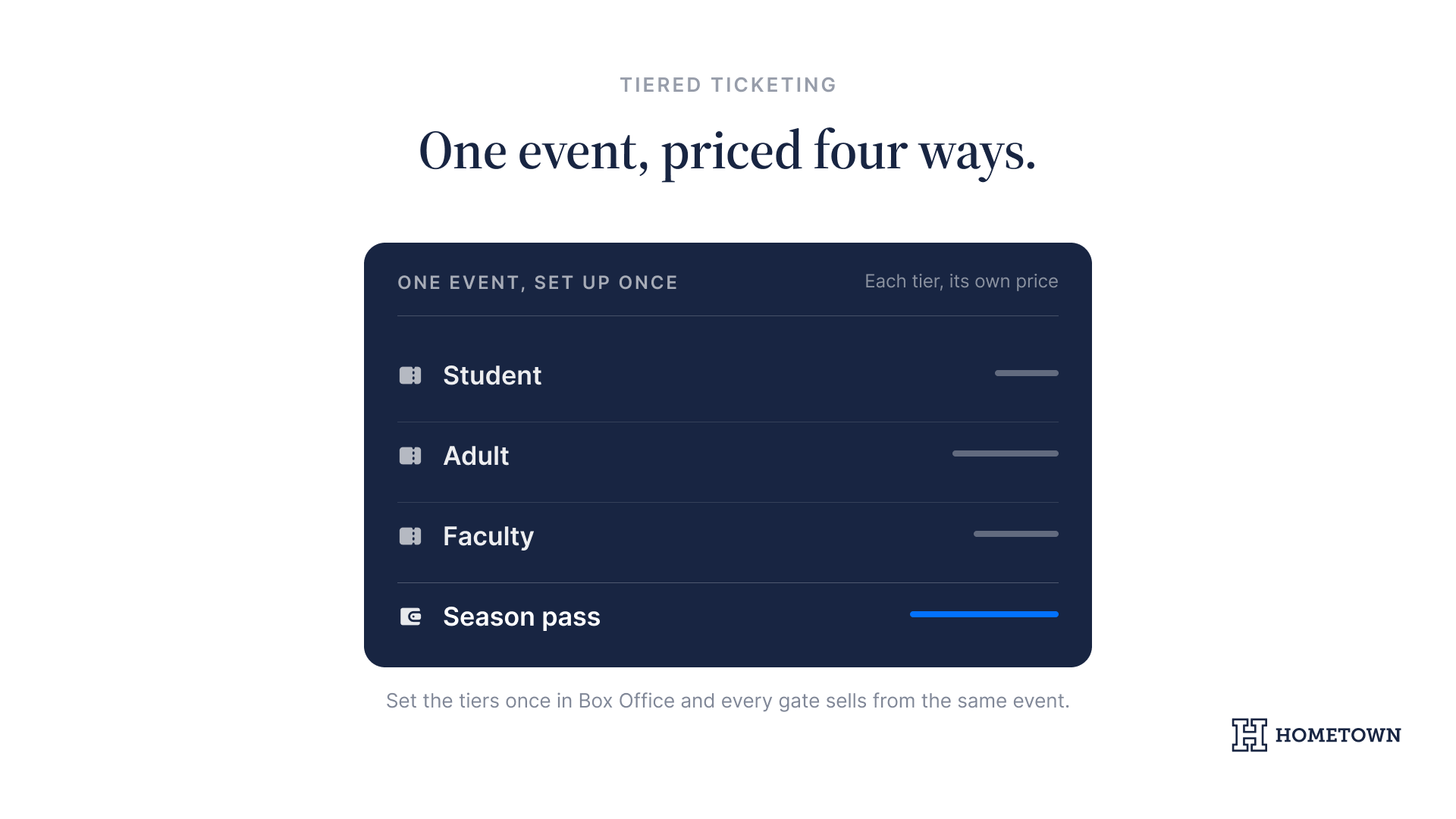
Your digital presence is often the first interaction a new family has with your district. A professional website kept current by your K-12 ticketing software signals that your programs are organized. A modern school ticketing platform supports real-time gate management and tiered pricing for students, adults, and faculty, so the gate line keeps moving. That keeps the conversation on student achievement rather than on technical hurdles.
Step-by-step: launching your website and ticketing
- Audit the places families find you, and pin down where staff are typing the same thing twice across disjointed sites.
- Explore our Box Office solution for digital ticketing and event management. Read the transition tips and schedule a demo to get a personalized view at event creation and reporting dashboards.
- Set up your Engage website. The complete digital hub walks through what that looks like for parents on a phone.
- Discuss Engage’s optional mobile app add-on, to better meet your fans where they already are.
Overcoming technical complexity for busy staff
District leaders often worry about a difficult rollout. You have enough responsibilities without managing a complex software implementation, and we build digital ticket migrations around athletic directors and secretaries rather than IT departments.
The interface requires minimal training to get a full season of events live for pre-sale. When you remove technical barriers, your team focuses on supporting student-athletes instead. Entering each event once cuts the extra steps for your staff and improves the experience for parents who want to support their students without jumping through digital hoops.
Your event readiness checklist
- Review your current vendor contracts for ticketing and web hosting to identify upcoming renewal dates.
- Read our digital toolkit overview for a look at all three Hometown solutions, then book time with a Hometown expert.
- Map out your fall season ticket tiers, including student passes, to prepare for launch.
Launching your website and ticketing is less a technology project than a contract and calendar decision. When both sit with one trusted partner, a schedule entered once in Box Office is correct on your Engage site and app, and the reporting your auditor asks for comes out of the same system that sold the tickets.
Book Demo to see what one partner changes for your district's website and ticketing.